
How LeadPilot works
A walkthrough of the lead engine — from defining your ideal customer to promoting winners into your pipeline.
Step 1
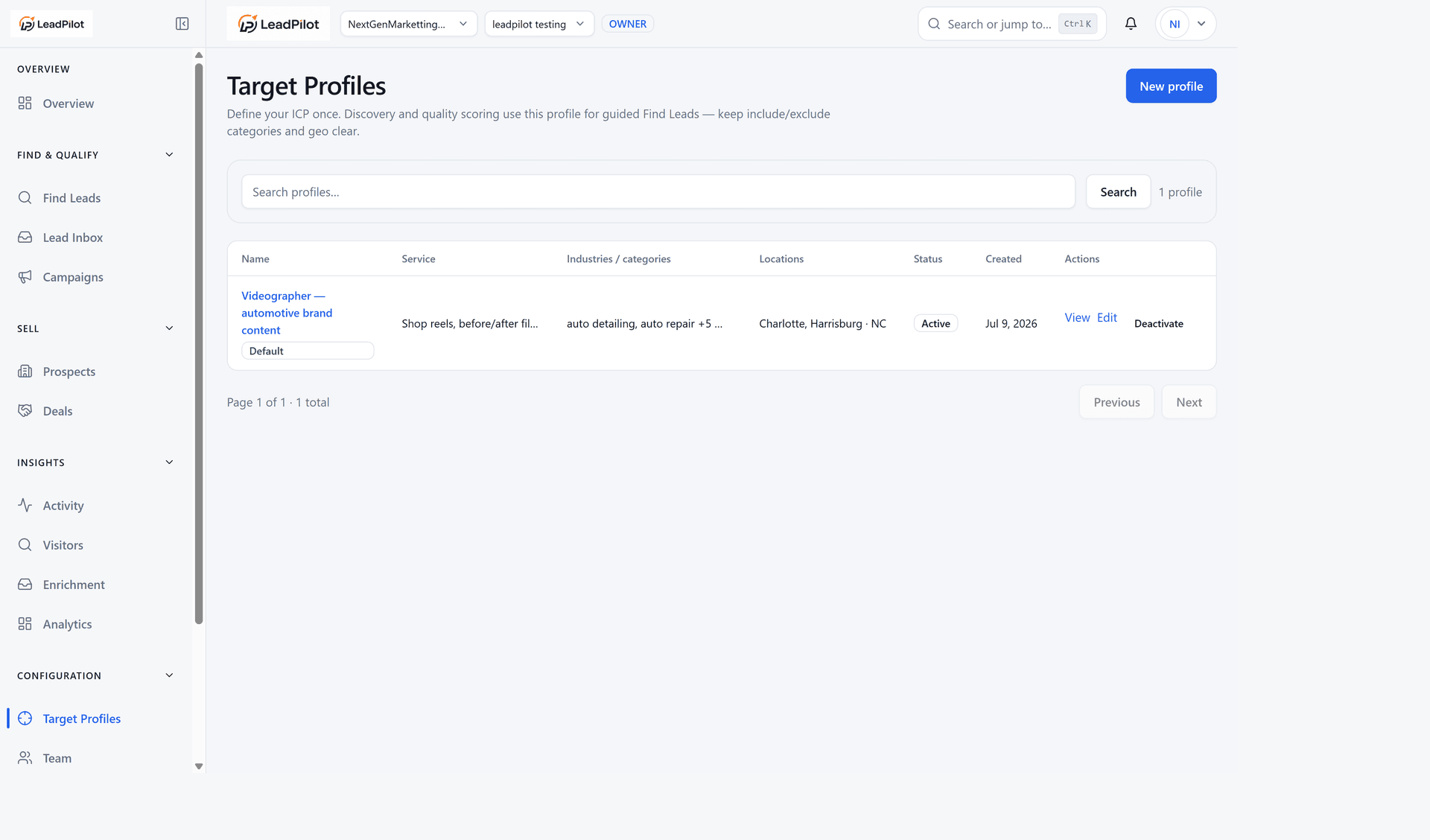
Define who you're looking for
Create a Target Profile with industries, locations, and decision-maker roles. Videographers target auto shops with content gaps; web agencies and Google Ads consultants get their own presets too.
Step 2
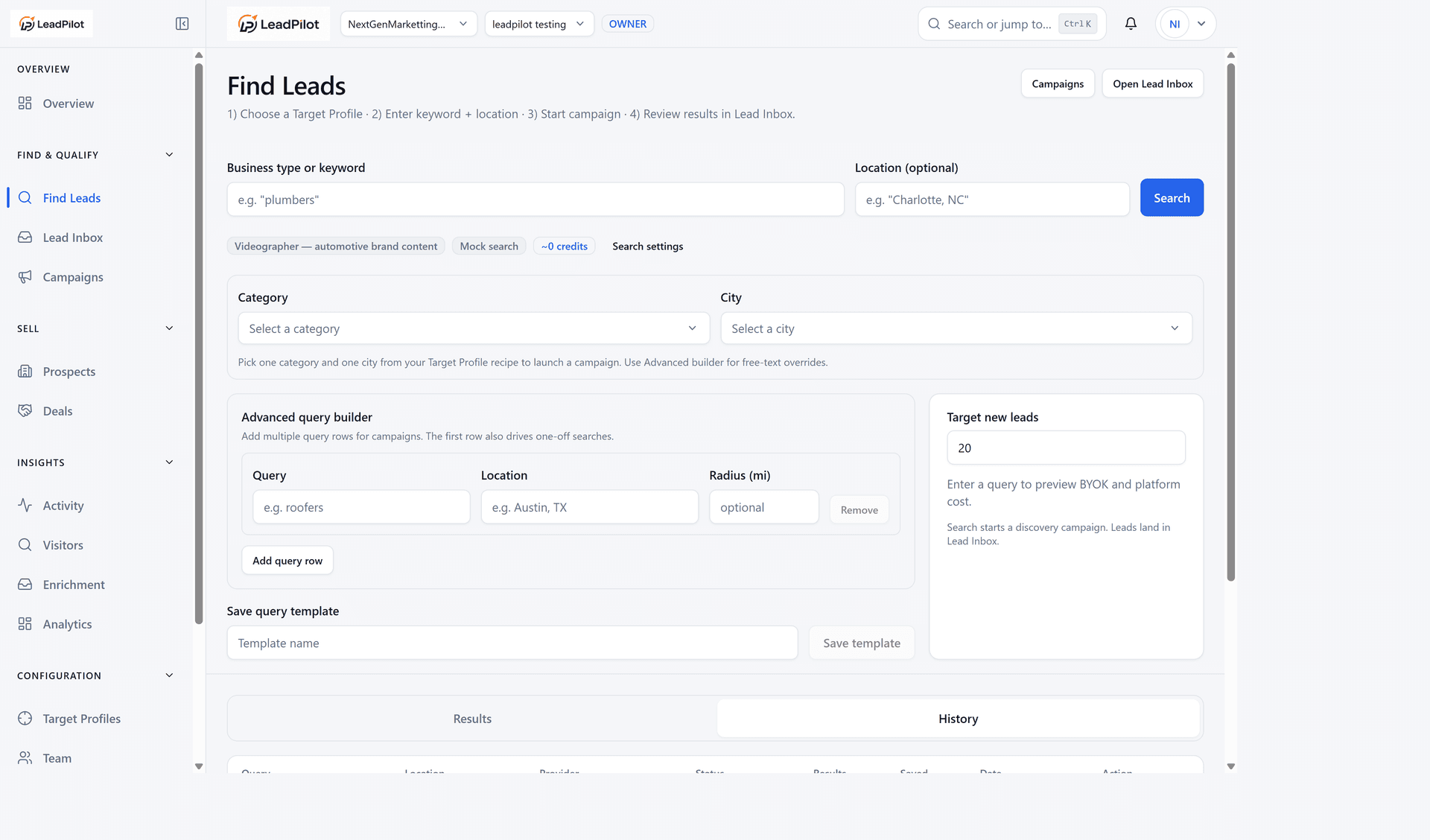
Find businesses
Search Google Places with your own API key (BYOK), import a CSV, or try the mock provider to explore the workflow. Each search creates a Discovery Run.
Step 3
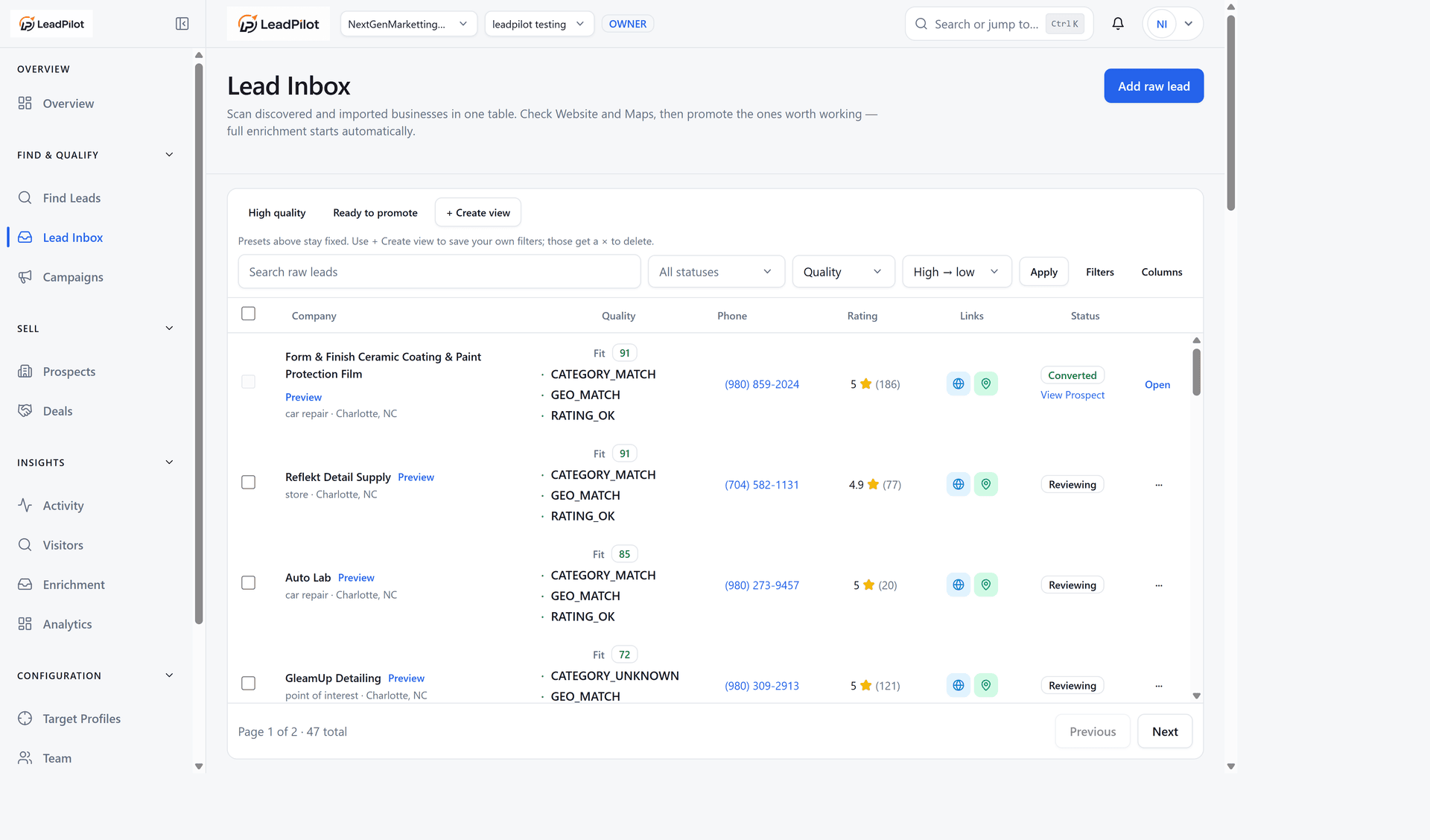
Review in Lead Inbox
Raw leads land in your inbox — not your CRM yet. Deduplicate by domain or phone, filter by status, and bulk-tag the ones worth a closer look.
Step 4
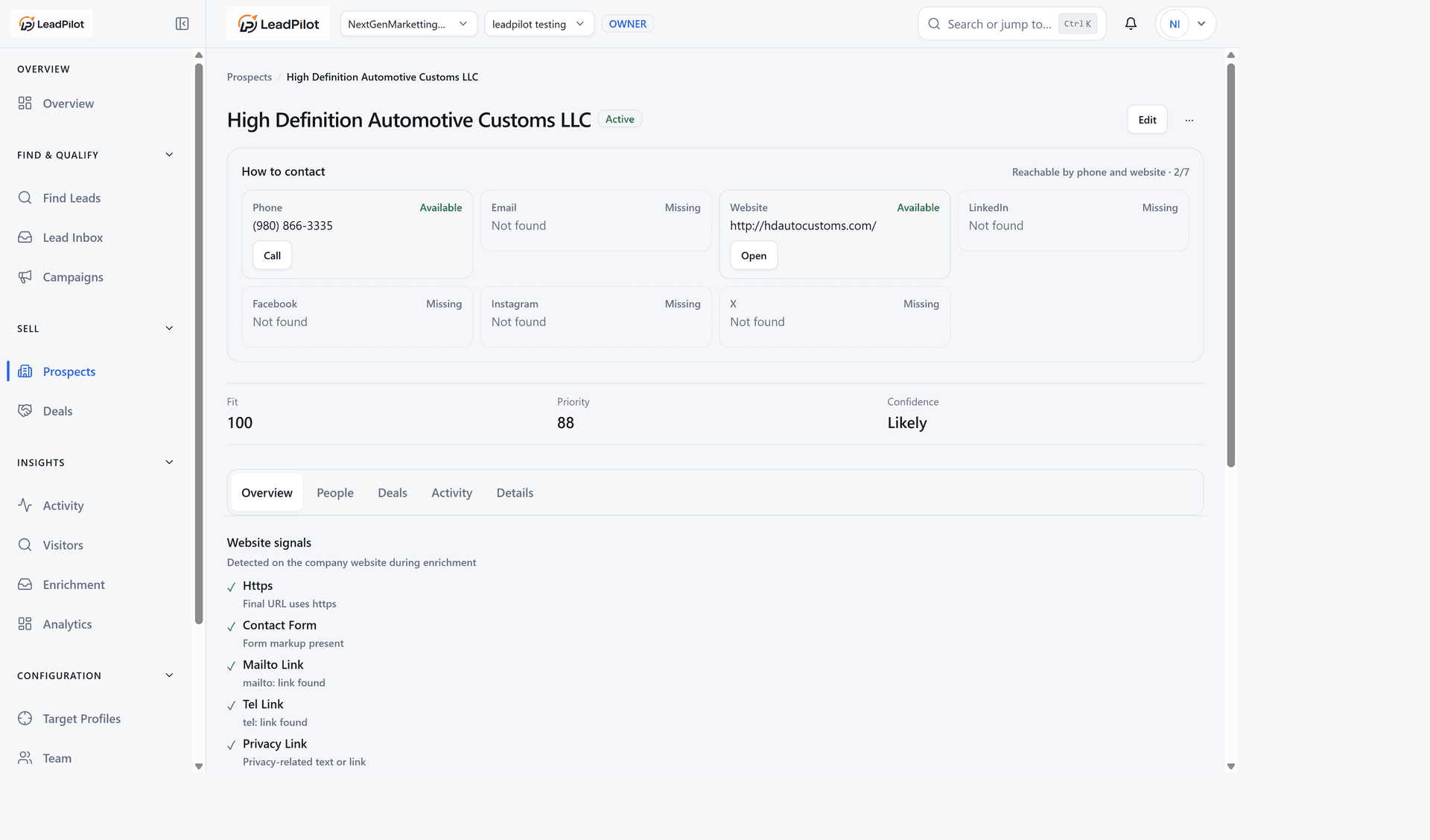
Enrich & verify
Layer chips show what's been checked — basic business info, website signals, decision makers. Some layers are live; others are on the roadmap. We're honest about what's stubbed.
Step 5
Score fit
Priority score plus a "why this lead" panel — industry match, location, website quality, contactability. You see the reasons, not just a number.
Step 6
Promote winners
When a lead is worth your time, promote it to your pipeline. It becomes a Prospect with deals, contacts, and follow-ups — only after you've qualified it.